
10 Things Every Photography Website Needs To Book More Clients
If you’re a photographer, your website is one of the most important tools you have for attracting and booking new clients. It’s often the first place potential clients go to learn more about you, see your work, and decide whether you’re the right photographer for them.
But here’s the thing—many photography websites are missing some really important pieces.
I’ve looked at a lot of photography websites while designing website templates, and I often see the same things missing again and again. Sometimes the design is beautiful, but the website isn’t guiding visitors to take the next step. Other times, important information just isn’t easy to find.
The good news is that creating an effective photography website doesn’t have to be complicated. There are a few key elements that can make a huge difference in how professional your website looks and how easily potential clients can connect with you.
In this post, I’m sharing 10 things every photography website needs to help you create a site that not only looks beautiful but also helps turn visitors into inquiries.
1. A Clear Message On Your Homepage
When someone lands on your photography website, they should immediately understand what you do and who you serve.
Your homepage creates the first impression of your business, so it should clearly communicate the type of photography you offer. Visitors should not have to scroll or search to figure out whether you photograph weddings, families, or newborns.
A short headline at the top of your homepage works well for this. Instead of using something vague like “Welcome to my website,” write a message that tells visitors exactly what you do.
For example, a family photographer might say something like:
“Natural and relaxed family photography in Madison, Wisconsin.”
This simple statement quickly tells visitors what you photograph and where you work.
You can also add a short sentence underneath that gives a little more context about your style or approach. This helps potential clients quickly decide whether your photography feels like the right fit for them.
When your homepage clearly explains what you offer, visitors can immediately connect with your work and feel confident exploring the rest of your website.
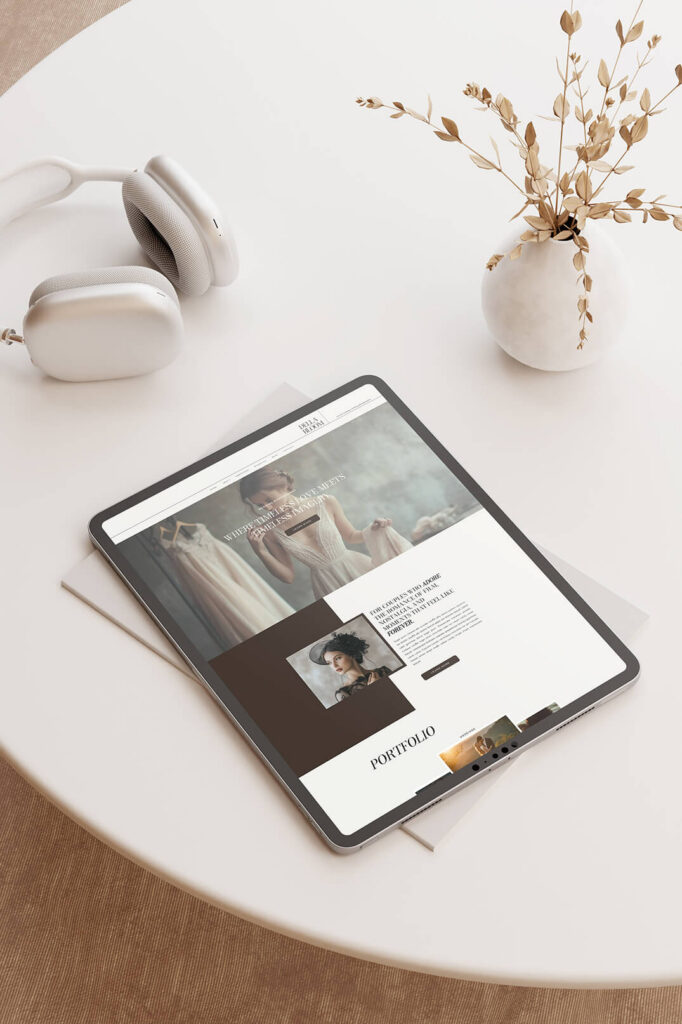
2. A Portfolio That Shows Your Best Work
Your portfolio plays one of the biggest roles in helping potential clients decide whether they want to work with you. It gives visitors the chance to see your style, the quality of your work, and the type of sessions you photograph.
Instead of uploading every photo from every session, focus on showing a curated collection of your best images. A smaller, carefully selected portfolio often creates a stronger impression than a large gallery filled with similar photos.
Choose images that represent the type of work you want to book more often. For example, if you want to photograph more family sessions, make sure your portfolio highlights your best family images.
You can also make your portfolio easier to explore by organizing it into categories such as weddings, families, or newborns. Clear categories help visitors quickly find the type of photography they want to see.
A strong portfolio allows your images to speak for themselves and helps potential clients imagine what their own photos of their family could look like.
3. An About Page That Helps Clients Connect With You
Your about page gives potential clients the chance to get to know you before they ever reach out. While your portfolio shows your work, your about page helps people connect with the person behind the camera.
Instead of only listing your experience or accomplishments, use this page to share a little about who you are and what working with you feels like. Talk about your approach to photography, why you enjoy photographing the sessions you offer, and what clients can expect during their experience.
Many clients choose a photographer based on personality just as much as photography style. When people feel comfortable with you, they feel more confident booking a session.
You can also include a photo of yourself on this page. Seeing the photographer behind the business helps create a stronger connection and makes your website feel more personal.
An about page that feels genuine and welcoming can make a big difference in helping visitors turn into inquiries.
4. An Easy Way For Clients To Contact You
Once someone decides they like your work, they should be able to contact you quickly and easily. If visitors struggle to find your contact page or feel confused about how to reach you, they may leave your site without ever sending an inquiry.
Make your contact page simple and easy to use. A short contact form usually works best because it allows potential clients to reach out without opening their email or copying an address.
Ask only for the information you truly need. Most photographers only need a name, email address, session type, and a short message to start the conversation. Short forms feel quick and easy to complete, which encourages more people to reach out.
You can also add a short message at the top of your contact page that invites visitors to get in touch. A friendly sentence can make the page feel more welcoming and reassure potential clients that you would love to hear from them.
When your website makes the inquiry process simple, more visitors will feel comfortable taking the next step and contacting you.

5. Clear Calls To Action
Your website should guide visitors toward the next step. Clear calls to action help people move through your site and find the information they need.
A call to action simply tells visitors what to do next. You might invite them to view your portfolio, learn more about your services, or contact you about booking a session.
Place these prompts throughout your website so visitors always know where to go next. For example, your homepage might invite visitors to view your portfolio or learn more about the experience you offer.
Short phrases work best. Simple wording such as “View the Portfolio,” “Learn More,” or “Get in Touch” makes it easy for visitors to take the next step.
When your website clearly guides visitors through your pages, they can explore your site more easily and feel more confident reaching out.
6. Testimonials From Past Clients
Client testimonials help build trust with potential clients who visit your website.
When someone considers hiring a photographer, they often want reassurance that they will have a great experience. Testimonials give visitors the chance to hear directly from people who have already worked with you.
Even a few short reviews can make a big difference. Clients may talk about how comfortable they felt during their session, how much they love their photos, or how easy the process felt from start to finish.
You can add testimonials to a dedicated page or place them throughout your website. Many photographers include a few reviews on their homepage or services page so visitors see them right away.
Positive feedback from real clients helps potential clients feel confident choosing you as their photographer.
7. A Services Or Pricing Page
Your services page helps visitors understand the types of sessions you offer and what working with you looks like.
This page gives you the opportunity to explain your photography services, describe your process, and help potential clients decide if your sessions are the right fit for them.
You do not need to list every detail of your pricing if you prefer not to. Some photographers simply share starting prices or general information about their packages. This approach still helps visitors understand what to expect before they reach out. However, in my honest opinion I believe you’ll most likely get inquiries if you state your prices on your website.
You can also describe what clients will experience when they book with you. Explaining your process, from booking to receiving their photos, helps potential clients feel more prepared and comfortable.
A clear services page answers common questions and encourages visitors to take the next step.
8. A Mobile-Friendly Website
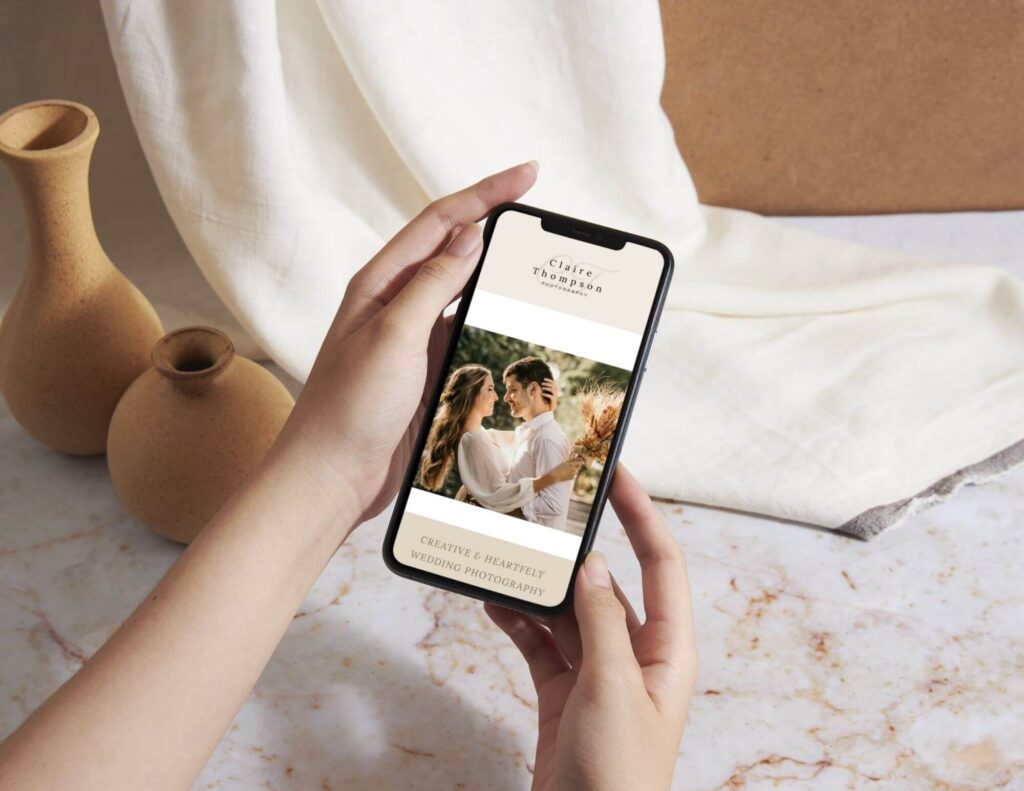
Many people will visit your website from their phones, so your website should look just as good on a mobile device as it does on a computer.
A mobile-friendly website keeps your text easy to read, your images properly sized, and your buttons simple to tap. Visitors should be able to scroll through your pages without zooming in or struggling to navigate.
Mobile design also affects how long people stay on your website. When visitors can easily browse your pages on their phones, they are more likely to continue exploring your work.
Taking the time to make sure your website looks great on mobile devices helps create a better experience for potential clients.
9. Fast Loading Images
Your photography website should showcase beautiful images, but large image files can slow down your pages.
Slow websites often frustrate visitors and cause them to leave before they finish exploring your site. Faster loading pages create a smoother experience and help visitors move through your website more easily.
Before uploading images to your website, resize and compress them so they load quickly without losing quality. You can still display stunning photos while keeping your website fast and responsive. One way to make your images smaller is by using a website such as TinyJpg to compress the files.
When your images load quickly, visitors can focus on your work instead of waiting for pages to appear.
10. A Blog That Helps People Find You
A blog can bring more people to your website and help potential clients discover your work.
When you publish helpful posts, share recent sessions, or answer common questions, your website has more opportunities to appear in search results. Over time, blogging can help more people find your photography business online.
A blog also allows you to share more of your work and provide useful information for potential clients. You might write about session tips, location ideas, or helpful advice for families preparing for a photo session.
Even posting occasionally can help your website grow and attract new visitors.
Conclusion
Your photography website does more than display your photos. It helps potential clients learn about your work, connect with you, and decide whether they want to book a session.
When your website includes these key elements, it becomes much easier for visitors to explore your work and take the next step toward contacting you.
If you are building a new website or thinking about refreshing your current one, starting with a professionally designed template can make the process much easier. A well-designed template already includes the pages and structure photographers need, so you can focus on adding your images and personal details.
If you want a website that already includes these essential pages, my Showit website templates are designed specifically for photographers and make it easy to launch a professional site. Each template includes thoughtfully designed pages that help you showcase your work, share your story, and create a welcoming online presence for your business.
